
How to switch between ReputationStacker accounts
If you have access to more than one ReputationStacker account you don't need to logout of one account and login to another.
Instead, simply click on your user profile picture in the upper right corner of any page. You'll see a dropdown displaying the company name of the account you're currently signed into:
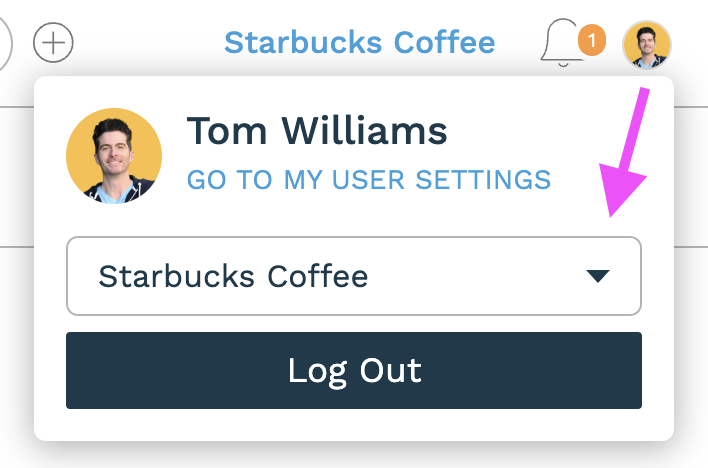
Click the dropdown and you'll see a list of every other ReputationStacker account that you have access to. Select any of these and you'll be taken to the account for that company.