
How to cancel your account
Before you cancel your ReputationStacker account, let us know!
A lot of times a couple small tweaks to your settings can fix any issues you're having, and we're happy to help you in any way we can.
But if you still decide to cancel, just go to Settings > Account Settings > Billing > Cancel Account and click the "I'm Ready to Cancel" button:

This will open a modal where you can confirm your cancelation:
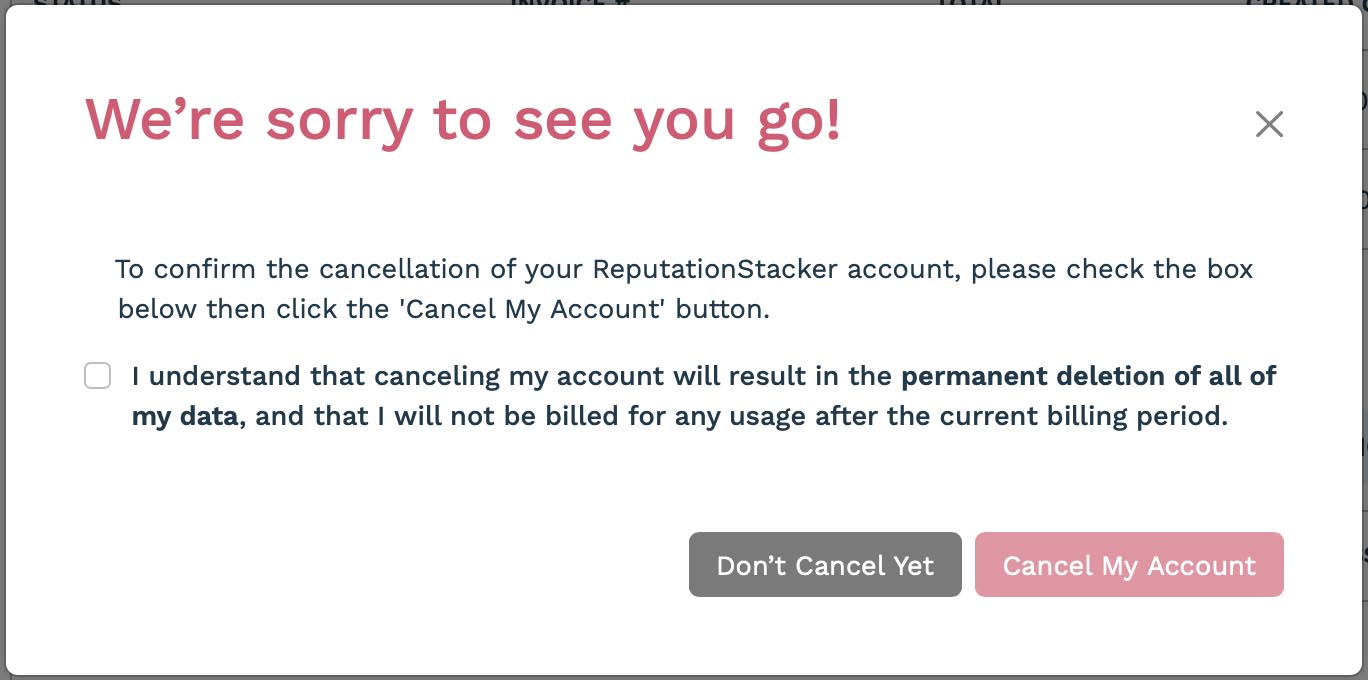
You'll need to click the checkbox then click the "Cancel My Account" button. When you do that, your account will be scheduled to be canceled at the end of the current billing cycle.
Note that you can revoke your cancellation any time before the next billing cycle by clicking the "Revoke Cancellation" button that appears in place of the "I'm Ready to Cancel" button.